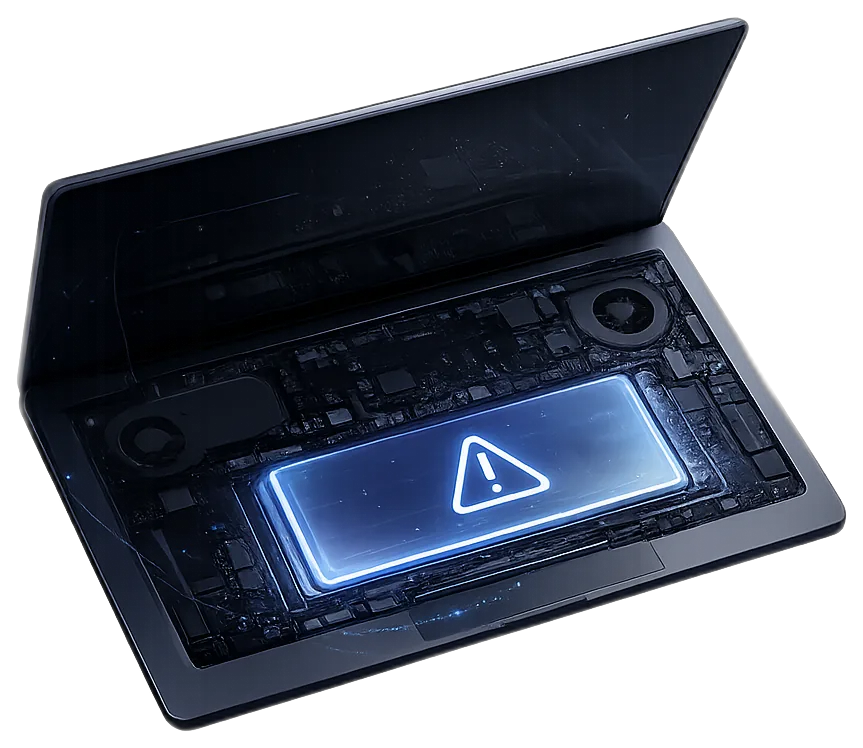
Laptop batteries are consumable parts. They age with charge cycles, heat, calendar time, and storage habits. A battery can be “worn” without being dangerous, but swelling changes the category from convenience problem to safety and damage-prevention problem.
This guide is written to help you decide whether you are seeing normal aging, a battery that should be replaced soon, or a situation where you should stop using the machine until it is inspected.
The five signs
- Runtime collapsed. A laptop that used to last six hours now dies in one or two.
- Percentage jumps around. It says 60%, then drops to 20%, then shuts off.
- Unexpected shutdowns. It turns off under load even though the battery indicator looked okay.
- Heat during normal use or charging. Batteries can generate extra heat as they age or fail.
- Physical swelling or system warnings. “Service Recommended” matters; bulging cases matter more.
Swelling is the line you do not ignore
A swollen lithium-ion battery can press upward into the trackpad, keyboard, palm rest, display, or bottom cover. On some laptops the first sign is a trackpad that no longer clicks correctly. On others, the bottom case rocks on the table or a seam opens.
Do not keep clamping the case shut, using it on a bed, or leaving it plugged in overnight. If the machine is physically deforming, the goal is safe handling and replacement, not squeezing a few more cycles out of it.
How to check battery health
System Settings → Battery can show battery condition. Apple’s “Service Recommended” means capacity or behavior has degraded enough to recommend service.
Settings and Task Manager help with power behavior; a battery report can show design capacity vs full charge capacity.
Diagnostics can show battery health/cycle data on many models.
Runtime under normal use matters more than a single percentage number.
Battery issue or something else?
What replacement involves
A proper battery replacement means identifying the exact model, disconnecting power safely, removing the bottom cover, loosening screws or adhesive, avoiding puncture, installing the correct pack, and checking charge/discharge behavior afterward. The difficulty varies a lot by model.
Older business laptops may be straightforward. Thin MacBooks and many ultrabooks can involve strong adhesive, fragile flex cables, and batteries shaped around internal components. That is why “just a battery” can still be a careful repair.
At my bench, PC laptop battery work is quoted per job after a $45 bench diagnosis that's credited toward the repair — screw-in packs in older machines are quick, while thin sealed ultrabooks take more careful work. MacBook batteries run about $170–$265. Text your exact model and I'll give you the real number before anything is opened.
How to make the new battery last longer
- Keep heat down. Heat ages batteries faster than almost anything else.
- Do not store a laptop fully dead for months.
- Use manufacturer battery health features when available.
- Avoid cheap unknown chargers that run hot or negotiate power poorly.
- If the laptop is mostly desk-bound, use battery health management rather than manually obsessing over every percent.
FAQ
Is Service Recommended an emergency?
Usually not by itself. It means the battery is degraded or not functioning normally. Physical swelling, heat, or shutdowns make it more urgent.
Can a swollen battery damage the laptop?
Yes. It can bend the chassis, damage the trackpad/keyboard, stress cables, and create safety risk.
Should I buy the cheapest battery online?
Be careful. Fit, cell quality, controller behavior, and safety matter. A bad battery can create new problems.
Can I keep using it plugged in?
If it is just worn, maybe temporarily. If it is swollen or hot, stop charging and address it.
Sources and notes
This article combines bench experience from Hailey Device Repair with manufacturer/public guidance where useful. Device condition still matters; use this as decision support, not a remote diagnosis.
If you want, send the exact model, what happened, current symptoms, and photos. The goal is a useful answer first — quote only if it makes sense.