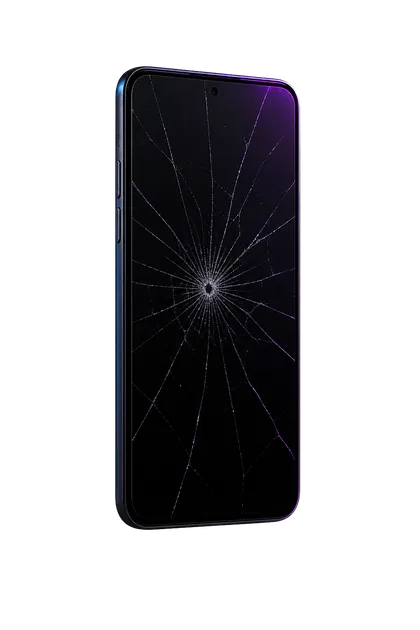
Rear glass is not merely decorative. Beneath it sit the battery, wireless-charging coil and magnets, flash, microphones, and camera assemblies. Most cracks do not damage all of that—but the impact that made the crack can.
Check these before putting on a case
- Look for loose shards. Do not brush them off with a bare hand.
- Sight along the frame. A bend or a gap between the display and frame matters more than a tidy spider crack.
- Test each camera once. Check focus, stabilization, flash, and whether any lens cover is missing.
- Notice charging behavior. Stop if wired or wireless charging causes unusual heat or repeated disconnects.
- Make a backup. The phone may be fully usable now, but impact damage can progress.
When a case is a reasonable temporary measure
A snug, non-metal case can contain a flat, stable crack when there are no loose pieces, frame gaps, camera problems, heat, swelling, or liquid exposure. Clean the phone gently with a dry microfiber cloth first, set it into the case once, and avoid removing the case repeatedly.
Do not trust the old water-resistance rating
Water resistance is not permanent even on an undamaged iPhone. A hard impact, cracked rear panel, bent frame, or later repair can compromise sealing. Keep the phone out of rain, bathrooms, ski pockets with melting snow, and countertop spills. A case does not make it waterproof.
Back glass, housing, or camera lens?
The right repair depends on the exact model. Newer iPhones vary substantially in how the rear panel and internal parts are assembled.
Stop using it and arrange inspection if
- The back or screen is lifting, bulging, or separating
- The phone gets hot while idle or during ordinary charging
- Glass is falling out or the inside is visible
- The frame is bent
- A camera lens is missing or exposed
- There is a chemical smell, hissing, or recent liquid exposure
What to send for a quote
- Exact iPhone model
- Clear photo of the whole back and each damaged corner
- Side photo showing any frame bend or separation
- Whether cameras and wireless charging still work normally
Good photos usually separate glass-only damage from housing or camera work.
FAQ
Can I use it with cracked back glass?
A stable crack can be covered temporarily. Stop if glass is loose, the frame is bent, heat changes, or a camera or charging feature is affected.
Can I put tape over it?
Clear tape can contain shards briefly, but adhesive may collect debris and complicate cleanup. A snug case is usually a cleaner temporary option.
Will wireless charging make it worse?
Not necessarily, but impact can damage the coil. Stop if the back becomes unusually hot or charging repeatedly starts and stops.
Sources and notes
Apple advises against using an iPhone with cracked glass in its iPhone safety guidance and notes that water resistance is not permanent and can decrease after impacts.