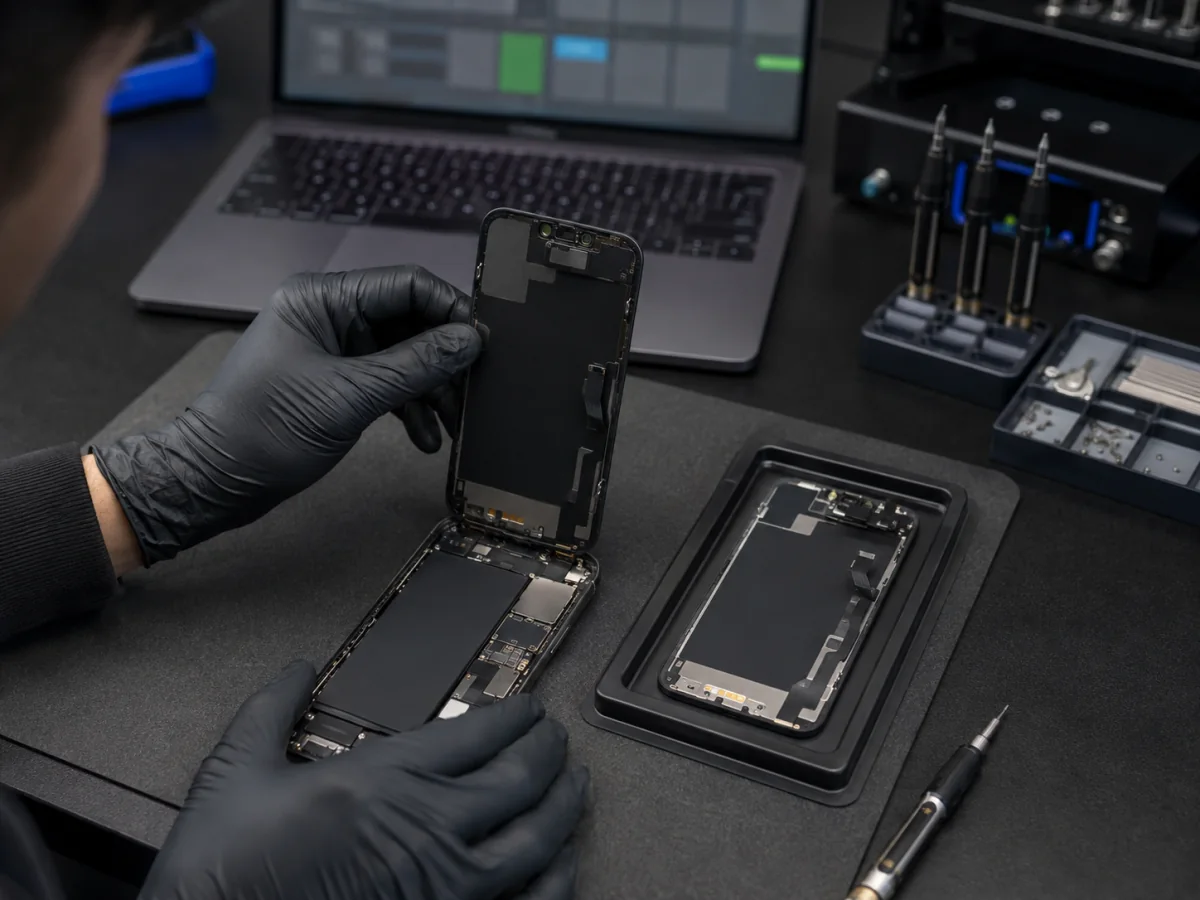
Recent iPhones record supported component repairs in Parts and Service History. The available parts vary by model: Apple currently lists combinations of battery, display, logic board, front camera, and rear cameras. The status is intended to describe repair history and verification—not to replace a physical inspection or a clear conversation about what the customer purchased.
What the current labels mean
Apple says the repair used genuine Apple parts and processes. On supported devices, tapping the entry can provide more service information after the phone connects to the internet.
The component was already installed in another iPhone. Support depends on model, part, and iOS version. A used genuine part can function well, but its prior use and condition matter.
A genuine part has been installed but Repair Assistant calibration is incomplete. Apple notes that some parts may not perform as well until calibration finishes, and biometric functions can remain unavailable for applicable repairs.
Apple cannot verify the part in the expected state. Possible reasons include nongenuine part, incomplete linking or verification, malfunction, modification, or another condition preventing verification.
On current Apple guidance, this refers to a previously replaced logic board that is unverified and may affect features such as Apple Pay.
Older iOS versions may use wording such as Important Display Message, Important Battery Message, or Important Camera Message instead of the newer status presentation. Record the exact text and iOS version rather than translating all notices into “fake part.”
Unknown does not identify one single cause
Apple’s current Parts and Service History page lists several reasons an Unknown status may appear. That makes the message meaningful but not specific enough to diagnose the repair alone.
Does the message mean the repair was bad?
Not automatically. A high-quality third-party display can show a status while functioning consistently; a genuine part can be installed poorly or remain uncalibrated. The honest evaluation uses four separate questions:
- What was promised? Genuine new, genuine used, premium aftermarket, economy aftermarket, refurbished original, or another clearly named option?
- What was installed? The invoice and provider should match the quote.
- Was the repair completed? Required calibration, seals, transfer work, and post-repair testing should be finished.
- How does it perform? Test the part and surrounding functions instead of judging only the notification.
A problem exists when the part category was misrepresented, the repair remains incomplete without disclosure, the function is poor, safety is compromised, or the shop refuses reasonable follow-up—not merely because a notification exists.
Test the component named in Settings
Test touch across the full surface, typing, edge gestures, brightness, uniformity, color, True Tone if expected, ambient-light response, proximity behavior during calls, and unexpected battery drain.
Check charging, heat, runtime, percentage stability, shutdowns, Battery Health reporting, swelling, and whether the phone recognizes the battery normally.
Test every available camera in photo and video, focus, stabilization, flash, image sharpness, switching, Portrait or macro features where supported, and third-party apps.
Test front photos and video, Portrait behavior, Face ID enrollment and authentication, proximity functions, Memoji, and apps that use the camera.
Read the full Unverified or issue description and test Apple Pay, cellular, Wi-Fi, Bluetooth, cameras, charging, biometrics, sensors, and restart stability as applicable.
Repair Assistant and internet connection
On supported models, parts, and iOS versions, Repair Assistant can finish calibration after a genuine new or eligible used Apple part is installed. Apple says the device should be on the latest iOS version, above 20 percent battery, connected to Wi-Fi, and able to reach Apple’s servers. The exact workflow and eligible repairs change by model and software.
Do not repeatedly erase or restore the phone to clear a part notice. Calibration and part verification are not the same thing as reinstalling all user software. If Finish Repair remains, ask the installer whether they intended to complete it, whether the part is eligible, and what prevented completion.
For some TrueDepth or Touch ID work, security-sensitive biometric capability can remain unavailable until calibration completes. That is materially different from a display message that leaves ordinary phone use intact.
Questions the repairer should answer plainly
- What exact part category and supplier was included in my quote?
- Is this component new, used, refurbished, or third-party?
- Did you expect this exact Parts and Service History status?
- Does Repair Assistant apply to my model and part, and was it completed?
- Which original functions should work after this repair?
- What did you test before returning the phone?
- What warranty covers part failure, touch, image, capacity, camera behavior, or installation?
- Could this status affect trade-in or resale disclosure?
A credible shop may offer different part tiers. The important standard is disclosure before work, performance appropriate to the option, safe installation, and responsibility when the result differs from what was promised.
When to return immediately
- The invoice promised genuine new Apple service but the history shows Unknown or an unexplained status
- Finish Repair remains and a promised calibration was not completed
- Touch, brightness, camera, Face ID, charging, battery reporting, heat, or shutdown behavior changed
- The screen or back is lifting, the phone is unusually hot, or the battery appears swollen
- New dust, camera fogging, loose parts, gaps, or missing seals are visible
- The provider cannot identify the part category or warranty they sold
Before returning, screenshot the notice, photograph the phone, keep the receipt, and write down the functional symptoms. Do not let a status-label disagreement distract from urgent battery swelling, heat, liquid, or biometric and security failures.
Include the iPhone model, iOS version, repaired part, invoice wording, and what no longer works.
FAQ
Can the notification be removed?
The temporary lock-screen notification changes over time, while repair history remains in Settings. Correct verification and calibration may change eligible statuses; hiding a message is not a substitute for completing or explaining the repair.
Will Apple service an iPhone with a third-party part?
Service availability and what must be replaced depend on the device, condition, location, and requested repair. Ask Apple or an authorized provider for the current policy and an inspection-based quote.
Does Unknown Part reduce trade-in value?
Apple states that an Unknown part might affect trade-in value. Private buyers should also receive accurate repair-history disclosure.
Does a Used status mean counterfeit?
No. In Apple’s current terminology, Used means the part was previously installed in another iPhone. Model, eligibility, calibration, condition, and warranty still matter.
Sources and notes
Status meanings and model support change with iOS and Apple repair programs. This guide uses Apple’s May 2026 Parts and Service History terminology and should be read alongside the current page for your model.