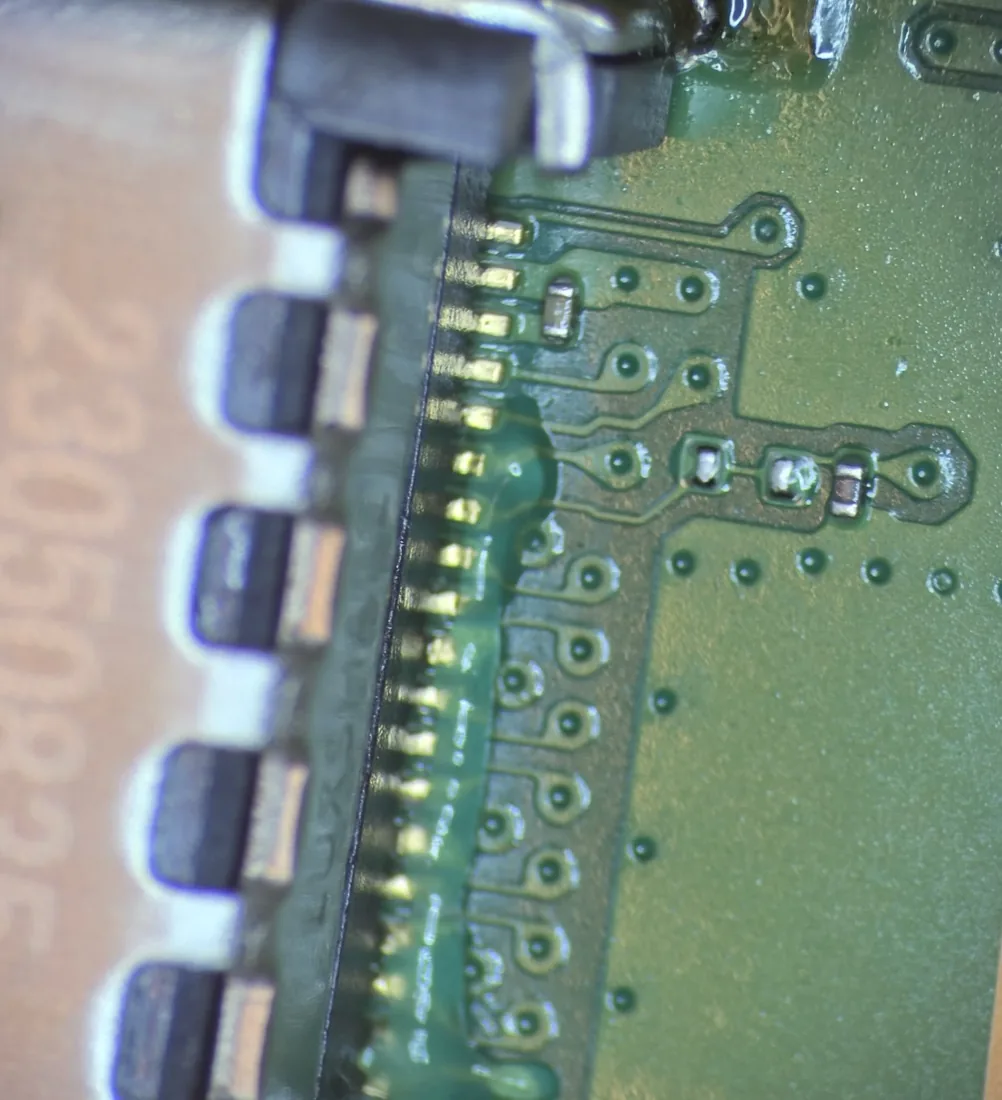
A white console light only proves that the PS5 powered up. The picture still has to travel through the console’s video circuit, HDMI port, cable, any receiver or switch, the selected TV input, and the display itself. Test that chain in order instead of guessing at the most expensive part.
Five safe checks, in order
- Confirm the input. Select the exact HDMI input on the TV rather than relying on automatic switching.
- Connect directly. Remove soundbars, receivers, HDMI switches, splitters, and capture cards.
- Swap one cable. Use a known-good HDMI cable that works with another device.
- Try another TV port—or another display. This rules out one failed input and many handshake problems.
- Cold restart. Turn the PS5 fully off, unplug it and the TV for a few minutes, reconnect, then test again.
Read the failure pattern
When Safe Mode is worth trying
If the port is solid and undamaged, Safe Mode can reset a display mode the TV cannot show. Turn the console off. Hold the power button until the second beep, about seven seconds later, connect the controller by USB, and choose Change Video Output. Use this once—not as a repeated ritual.
Signs the HDMI port needs repair
- The plug has much more movement than it used to.
- The inner plastic tongue is crooked, pushed back, cracked, or missing.
- Pins look bent or flattened under a bright light.
- Picture returns only when the cable is lifted or pressed sideways.
- The console stopped displaying immediately after impact.
A shop replaces the port under magnification and checks that its pins and anchor legs are electrically and mechanically sound. If the port was torn, board pads or the HDMI encoder may also need diagnosis.
What to send for an accurate quote
- Original PS5, Slim, or Pro—and disc or digital model
- What the console light does
- Whether it works on a second cable and display
- Whether the failure followed an impact or cable yank
- A straight, well-lit photo into the HDMI port
A clear port photo often tells me whether to start with the connector or deeper diagnosis.
FAQ
How can I tell if the PS5 HDMI port is broken?
A loose cable, bent or missing pins, a crooked inner tongue, or picture that reacts when the plug moves are the strongest signs.
Can the HDMI port be replaced?
Yes. It is soldered to the motherboard but is replaceable with the right equipment. Damage to board pads can make the job more involved.
Should I keep using it if the picture comes back at an angle?
No. Side pressure can tear the port farther from the board. Power it down and leave the cable out until it is inspected.
Sources and notes
This guide combines bench diagnosis with PlayStation’s picture and sound troubleshooting and Safe Mode guidance.