Make the symptom specific
“The microphone is broken” can mean silence, a muffled voice, distortion, or a call that only works on speakerphone. I start by separating those observations. Can you hear the other person, and can they hear you? Trouble hearing them belongs to the speaker or listening path; trouble hearing you belongs to the recording or outgoing-audio path.
Note whether it began after a drop, water exposure, a new case, or an app change. If the phone is still wet, unusually hot, or swelling, stop testing and charging. An audio comparison is only useful once the device is safe to use.
Try three short local recordings
In a quiet room, remove anything covering an opening and disconnect wired or Bluetooth audio accessories for the test. Use the same short sentence and a normal speaking voice each time.
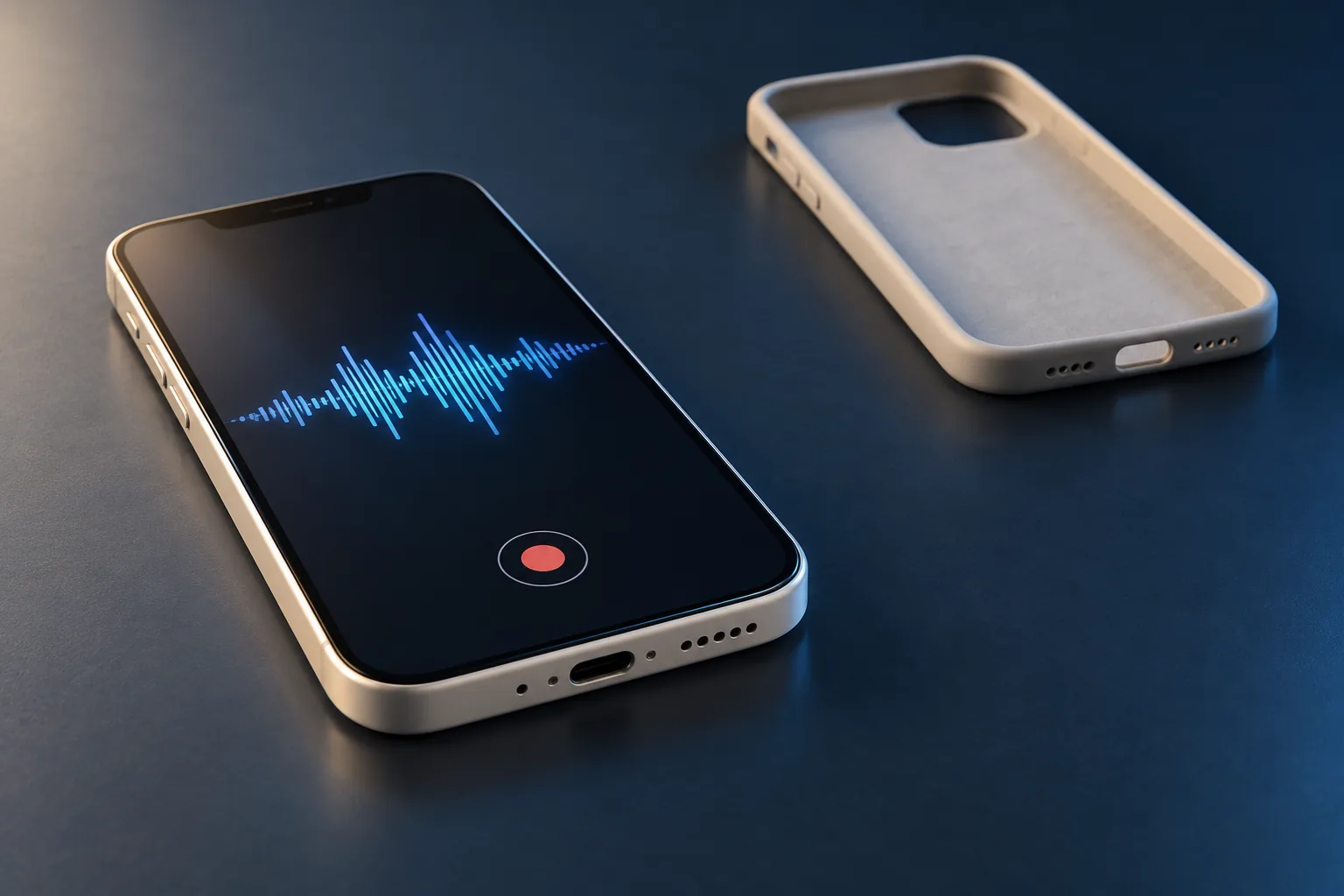
- Voice Memos: record while speaking toward the bottom of the phone, then listen.
- Rear-camera video: speak toward the top of the phone and play it back.
- Front-camera video: switch cameras and repeat.
These are Apple’s microphone comparisons. They help separate recording modes, but they are not a map of exactly which microphone or circuit failed. If playback itself sounds unreliable, listen to the saved recording on another device before judging the result.
If recordings work, check the failing app
For an app-specific failure, open Settings → Privacy & Security → Microphone and check that app’s permission. Apple advises contacting its developer if permission is enabled or the app is not listed.
Check the app’s mute control and selected audio device too. A headset left connected can make an ordinary call test misleading. Compare one call using the phone itself with one using a known-working headset, if you already have one. Record the difference rather than buying accessories just to troubleshoot.
If local recordings remain clear and only cellular calls fail, test another location or contact your carrier. That pattern gives you a reason to investigate the call path before paying for microphone hardware.
Read the pattern without overdiagnosing it
- Every recording sounds muffled
- Look for an obstructing case or visible contamination first. Persistent trouble also warrants inspection of the audio hardware.
- Only one recording mode is unclear
- Send the exact mode and a short example. Different modes may use different audio processing or hardware; the failed recording alone does not identify a part.
- Only a headset call fails
- Compare the headset, its connection, and the selected audio route. The phone’s own microphone has not been shown to fail.
- It began immediately after impact or liquid
- The accident history matters even if one mode still works. Avoid treating a temporary improvement as proof that damage is gone.
Keep cleaning gentle, then send useful evidence
For exterior cleaning, unplug cables, power down, and use a soft lint-free cloth. Keep moisture out of openings and skip compressed air, as Apple’s cleaning guidance directs. Do not push a pin, toothpick, brush bristle, or liquid through microphone mesh. Packed debris is a reason for careful inspection.
My most useful starting information is the model, when it started, accident history, and which of the three recordings failed. A brief sample made with your own voice can help; leave private conversations out. Back up the phone while it remains usable. A factory reset is a poor first experiment when the problem may be physical.
Common questions
Does working speakerphone prove every microphone is healthy?
No. Different call and recording modes can use different audio paths. Compare Voice Memos and videos from both cameras rather than relying on one successful call.
Should I clean the microphone with a pin?
No. Probing the openings can damage the mesh or internal parts. Follow exterior cleaning guidance and arrange inspection for packed debris.
Will a screen replacement fix a microphone problem?
The symptom alone does not justify a screen replacement. Describe which audio modes fail and have the cause assessed before choosing parts.
Sources & scope
Manufacturer guidance checked September 30, 2026. The comparisons help choose the next test; they do not diagnose an unseen device. Model-specific instructions take priority.
Keep going
The next useful step.
Dealing with this right now? In Hailey or the Wood River Valley, send me the model and what you observed for help choosing the next step.