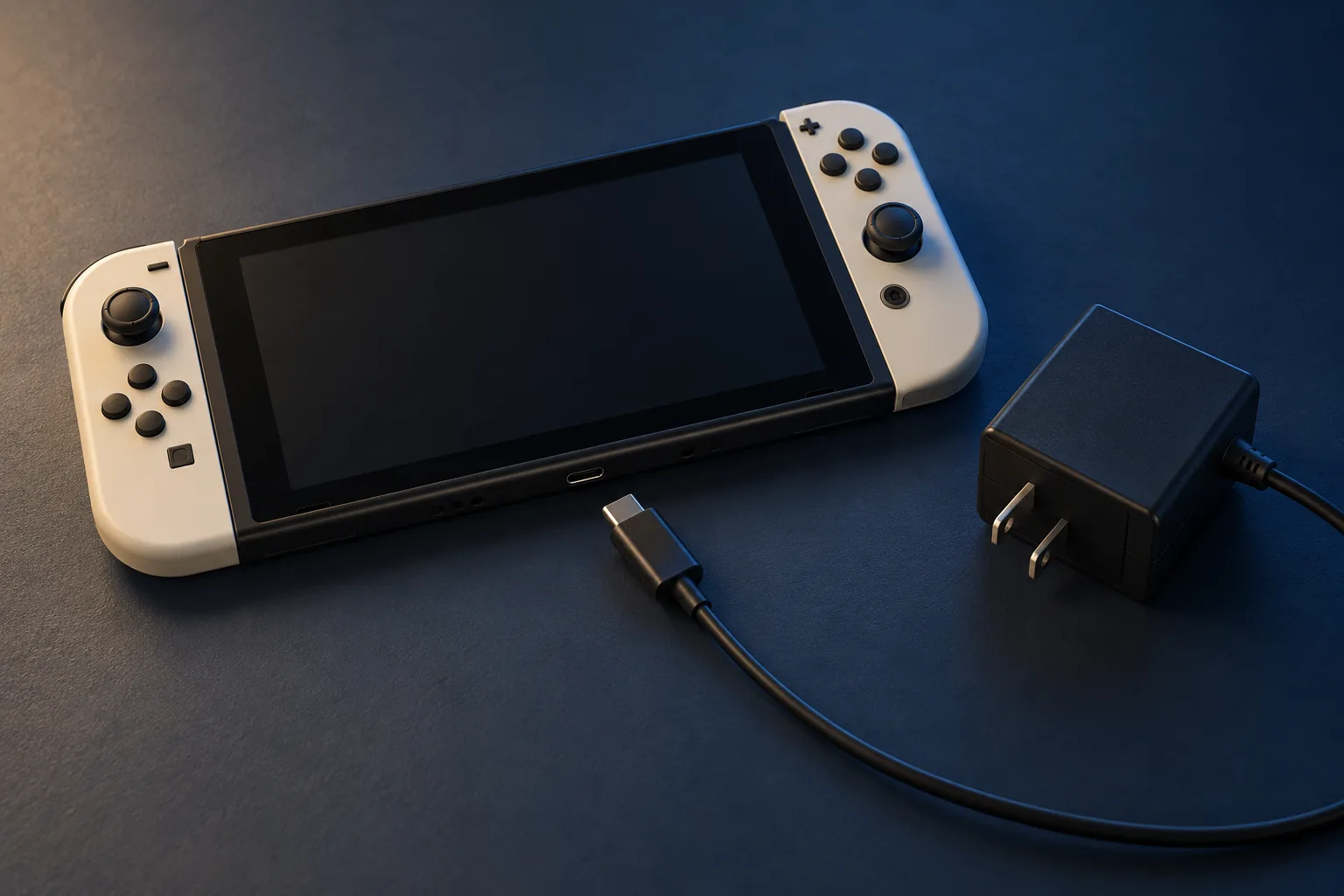
Confirm the model and whether it is safe to test
This guide covers the original Switch family, including Lite and OLED. Switch 2 has different hardware and power guidance; use its own manufacturer instructions. I want the exact model before interpreting “my Switch is dead,” because a black handheld screen and a TV with no picture describe different problems.
Inspect the adapter cord and console connector visually, without inserting tools. Stop for liquid exposure, bent contacts, a damaged socket, swelling, unusual heat, or a burnt smell. Do not keep flexing the connector until it makes contact. A physically damaged power path needs inspection before another charging test.
Reset power once using Nintendo’s sequence
For a dry, undamaged console, follow Nintendo’s no-power procedure:
- Remove it from the dock. Test the console itself.
- Unplug the adapter at both ends for 30 seconds. Disconnect it from the outlet and dock or console.
- Hold the console’s POWER button for 20 seconds, then release. This forces a shutdown.
- Reconnect the HAC-002 adapter to a working wall outlet and directly to the console.
- Press POWER once and observe the screen.
This is a power-state test, not a factory initialization. Avoid recovery-menu experiments or opening the console just because this sequence did not revive it. Repeating it continually adds little useful information.
Watch for a brief battery symbol
Nintendo explains that a nearly depleted battery may briefly show a charging symbol while the screen otherwise stays off. With an undamaged correct adapter connected, allow 15–30 minutes of charging before trying POWER again. Keep the console where you can notice unusual heat.
A battery symbol means you have observed a response. It does not measure remaining battery capacity or prove every charging component is healthy. If the console starts, note whether it keeps working after unplugging and whether the problem returns. Check for a system update once power is stable.
Separate direct power from a dock or screen problem
- It works handheld but fails only in the dock
- Investigate the dock, adapter connection, HDMI cable, and TV input separately. A working handheld test changes the next question.
- No response with one adapter
- If another known-working HAC-002 adapter is already available, compare it directly. Otherwise bring the original adapter for testing instead of buying parts on a guess.
- It starts, then immediately dies unplugged
- Record whether charging time changed the behavior. Battery capacity or its connection is a possibility; an external test cannot confirm the exact cause.
- There is sound or other activity, but no image
- Describe it as activity with a black screen. That evidence deserves a display assessment as well as a power check.
Keep one variable fixed while changing another. Trying three chargers through two docks makes the result hard to interpret. Charging a smaller accessory with an adapter is also not the same test as powering this console.
Choose diagnosis before a battery or port order
No response after the controlled check leaves several possibilities: the adapter, USB-C socket, battery, internal connection, display, or board-level power circuitry. Do not jump from “black screen” to a specific chip or replacement battery. Photograph the connector from outside if damage is visible; do not attempt to straighten contacts.
For a console repair assessment, send the model, drop or spill history, adapter model, whether a battery symbol appeared, and the direct-power result. Tell me if the saves are the priority before authorizing resets or replacement. If it will not start, preservation should be part of the repair discussion from the beginning.
Common questions
Does this procedure apply to Switch 2?
No. This guide covers the original Nintendo Switch, Switch Lite, and Switch OLED using the HAC-002 adapter. Follow Nintendo’s Switch 2 guidance for that model.
Should I leave a completely unresponsive Switch charging for days?
No. Use the controlled check and recommended charging interval, then arrange assessment if it stays unresponsive. Stop immediately for unusual heat, swelling, liquid, or connector damage.
Will forcing a shutdown erase my saves?
The described button hold forces a shutdown; it is not a factory initialization. Unsaved progress may be lost when running software is interrupted. Avoid initialization as a first response to a power fault.
Sources & scope
Manufacturer guidance checked September 30, 2026. The comparisons help choose the next test; they do not diagnose an unseen device. Model-specific instructions take priority.
Keep going
The next useful step.
Dealing with this right now? In Hailey or the Wood River Valley, send me the model and what you observed for help choosing the next step.